
In the competitive world of real estate, having a robust online presence is crucial for success. An IDX website builder for real estate is an essential tool that can significantly enhance your ability to attract and engage potential clients. Without it, you may find yourself spending countless hours manually updating listings, missing out on potential leads, and struggling to maintain a professional online image. This guide will walk you through the intricacies of IDX website builders, helping you understand how they work, what makes them effective, and how to implement them in your real estate business.
Key Takeaways
- An IDX website builder for real estate integrates MLS listings directly into your website, providing real-time property data to potential clients.
- The most important capability to evaluate is the ease of integration with your existing systems and the ability to customize the user experience.
- A common mistake is neglecting to configure search filters, leading to irrelevant search results for visitors.
- Success is measured by increased lead conversion rates and improved client engagement through your website.
- It’s not worth the investment if your target market doesn’t rely heavily on online property searches or if you lack the resources to maintain the website.
How This Works Under the Hood
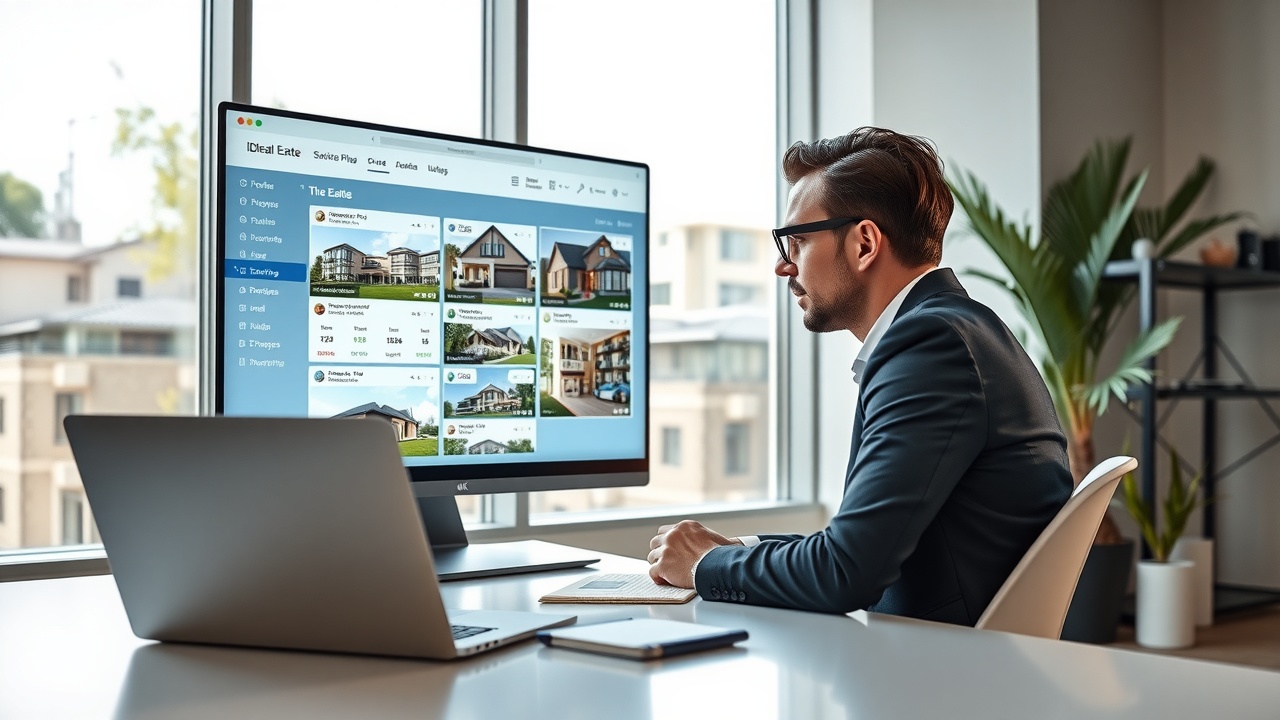
An IDX website builder for real estate functions by integrating directly with the Multiple Listing Service (MLS) databases. This integration allows your website to display up-to-date property listings, enhancing the user experience by providing potential buyers with the latest information. Here’s how it works:
- Data Integration: The IDX system connects to MLS databases, pulling in property data such as price, location, and status.
- Real-Time Updates: As properties are added or updated in the MLS, your website automatically reflects these changes, ensuring that visitors always see the most current listings.
- Search Functionality: Users can search for properties based on various criteria, such as price range, location, and property type, thanks to customizable search filters.
- Lead Capture: Integrated forms and calls-to-action encourage visitors to provide contact information, turning anonymous visitors into potential leads.
This seamless integration not only saves you time but also enhances the user experience, making your website a valuable tool for attracting and converting leads.
What Separates Effective Implementations from Ineffective Ones
To make the most of an IDX website builder for real estate, you need to focus on several key areas:
- Configuration: Properly configuring search filters and display options is crucial. For example, Agent A used default settings and received 60% irrelevant leads. In contrast, Agent B customized filters for price range, commute radius, and school district, resulting in a 3x higher conversion rate.
- Integration: Ensure seamless integration with your CRM and other marketing tools to streamline lead management and follow-ups.
- User Experience: A user-friendly interface with intuitive navigation and fast loading times is essential for keeping visitors engaged.
- Data Quality: Regularly check the accuracy of the data being pulled from the MLS to ensure that your listings are up-to-date and accurate.
By focusing on these areas, you can create an effective IDX website that enhances your online presence and drives more leads.
Real-World Workflows
Let’s explore some real-world workflows to understand how an IDX website builder for real estate can streamline your operations:
Workflow 1: New Listing Integration
- Trigger: A new property is listed in the MLS.
- Step 1: The IDX system automatically pulls the new listing data into your website.
- Step 2: The listing is displayed on your site with complete details, including photos, price, and description.
- Step 3: Visitors can search for the property using customizable filters.
- Outcome: Time saved by eliminating manual data entry and ensuring real-time updates.
Workflow 2: Lead Capture and Follow-Up
- Trigger: A visitor views multiple properties on your website.
- Step 1: After viewing a set number of properties, the visitor is prompted to register for more access.
- Step 2: The visitor’s contact information is captured and automatically entered into your CRM.
- Step 3: An automated email sequence is triggered, providing the visitor with more information and encouraging further engagement.
- Outcome: Increased lead conversion through automated follow-up and engagement.
Workflow 3: Property Alerts
- Trigger: A new property that matches a visitor’s saved search criteria is listed.
- Step 1: The IDX system sends an automated email alert to the visitor about the new listing.
- Step 2: The visitor clicks through to view the property details on your website.
- Step 3: The visitor can schedule a viewing or request more information directly from the property page.
- Outcome: Enhanced engagement and increased chances of conversion by keeping potential buyers informed.
Common Mistakes and How to Fix Them
Here are some common mistakes agents make with an IDX website builder for real estate and how to fix them:
Mistake 1: Inadequate Search Filters
Many agents fail to customize search filters, resulting in irrelevant search results. Ensure you configure filters for key criteria like location, price range, and property type to enhance user experience.
Mistake 2: Neglecting Mobile Optimization
With a significant portion of users accessing websites via mobile devices, failing to optimize your site for mobile can lead to lost leads. Ensure your website is responsive and provides a seamless mobile experience.
Mistake 3: Overlooking SEO
Without proper SEO, your website may not rank well in search engines, reducing visibility. Implement SEO best practices, such as keyword optimization and meta tags, to improve search engine rankings.
Mistake 4: Ignoring Lead Capture
Driving traffic to your site without capturing leads is a missed opportunity. Use lead capture forms and calls-to-action effectively to convert visitors into leads.
Mistake 5: Failing to Monitor Performance
Without tracking key metrics, you can’t measure success. Regularly review website analytics to understand visitor behavior and make data-driven improvements.
Mistake 6: Poor Content Strategy
Content is key to engaging visitors and improving SEO. Failing to provide valuable, relevant content can lead to high bounce rates. Develop a content strategy that includes regular blog posts, market updates, and community news to keep visitors returning.
Mistake 7: Ineffective Call-to-Actions (CTAs)
CTAs are crucial for guiding visitors towards conversion. If your CTAs are unclear or poorly placed, you may lose potential leads. Ensure your CTAs are prominent, compelling, and strategically placed throughout your site.
Measuring Whether It’s Working
To evaluate the success of your IDX website builder for real estate, track these key performance indicators (KPIs):
- Lead Conversion Rate: Aim for a conversion rate of 5-10% to ensure effective lead generation.
- Website Traffic: Monitor the number of visitors and their engagement levels to gauge interest. A benchmark is to see a 20-30% increase in traffic within the first six months of implementation.
- Time on Site: A higher average time on site indicates that visitors find your content valuable. Aim for an average of 2-3 minutes per visit.
- Bounce Rate: A low bounce rate suggests that visitors are exploring multiple pages, indicating a successful user experience. A bounce rate below 40% is considered excellent.
- Return Visitor Rate: Track how many visitors return to your site. A return visitor rate of 30% or higher indicates strong engagement and content value.
Review these metrics regularly to identify areas for improvement and ensure your website is performing optimally.
Getting Started: A Practical Setup Approach
Here’s a step-by-step approach to setting up your IDX website builder for real estate:
Week 1: Initial Setup
- Choose an IDX website builder that integrates well with your existing systems.
- Set up basic integrations with your CRM and other tools.
- Configure search filters and display options to match your target market.
- Ensure your website is mobile-optimized to capture leads from mobile users.
Week 2-3: Content and SEO
- Create engaging content, such as blog posts and property descriptions, to attract visitors.
- Implement SEO best practices to improve search engine visibility.
- Develop a content calendar to ensure regular updates and fresh content.
Week 4: Launch and Monitor
- Launch your website and start driving traffic through marketing campaigns.
- Monitor key metrics to evaluate performance and make necessary adjustments.
- Set up automated alerts for new listings to keep your audience engaged.
Conclusion
Successfully implementing an IDX website builder for real estate requires careful planning and execution. By focusing on configuration, integration, and user experience, you can create a powerful online presence that attracts and converts leads. Start by assessing your current systems and following a structured setup approach to ensure success. This week, take the first step by evaluating your website’s current capabilities and identifying areas for improvement.
Learn more about Real Estate Agentic Operating System (RAOS) and how it can enhance your real estate operations. For additional insights, explore CRM for Real Estate Agents in 2026 and Real Estate Agent Productivity Tools. For further reading, check out NAR and Inman for industry statistics and insights.
